Your child is sick. Help your care team see what you see.
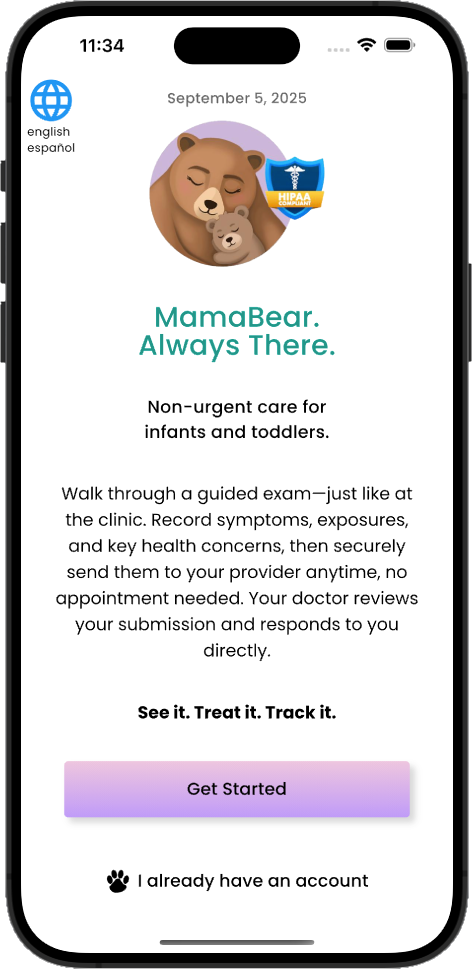
MamaBear guides you through documenting your child’s symptoms, what concerns you most, and what was happening at home. Parents can complete the eCheck in a supported preferred language, and MamaBear automatically provides the care team with an English version. The eCheck can include a short video when relevant and can be shared through any patient portal that supports medical messaging, secure email, or secure text messaging.

The details your care team cannot always see in the clinic.
MamaBear walks you through six areas that help organize what you observed at home. Your care team reviews the eCheck and decides whether remote follow-up, an office visit, testing, treatment, or another next step is appropriate.
What concerns you most?
Record your main concern and how worried you are. This helps the care team understand your priority before opening the full eCheck.

What symptoms does your child have?
Document symptoms clearly and consistently, including when they began, whether they are changing, and how they are affecting your child.

What was your child doing when symptoms began?
Whether your child was running, eating, sleeping, or just waking up, activity details give the care team useful context for interpreting what you observed.
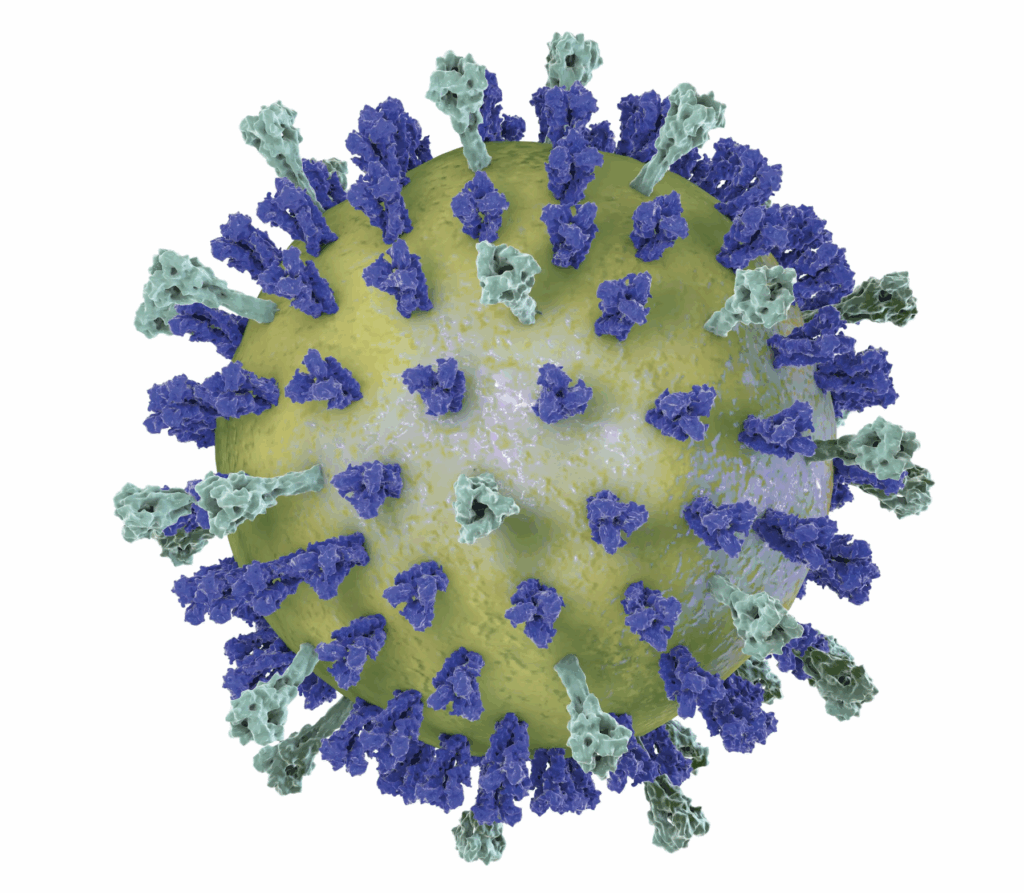
Was your child exposed to illness or environmental factors?
Record recent illness contacts and environmental factors such as smoke, pollen, mold, or pets so the care team can consider them alongside the symptoms.

Is your child hydrated?
Changes in drinking, feeding, or urination help show how the illness is affecting your child and whether symptoms are improving or worsening.

How is your child sleeping?
Difficulty falling asleep, frequent waking, sleeping more than usual, or unusual drowsiness can help the care team understand how your child is functioning at home.
Complete the eCheck in your preferred supported language
Parents enter information in the language they are most comfortable using. MamaBear automatically translates the structured information into English for the clinician report, while preserving the parent’s original meaning and responses.
What does your child look and sound like?
A short video can help the care team see and hear what was happening at home, including breathing, coughing, movement, behavior, or another visible symptom. The video adds context to the structured information in the eCheck; it does not replace an examination when one is needed.
Send it securely.
MamaBear creates a secure report link and access code. The clinician receives the structured report in English, even when the parent completed the eCheck in another supported language. You can deliver the report through secure email, secure text messaging, or any clinic patient portal that supports medical messaging. When using a patient portal, MamaBear prepares the subject line and message for you to copy, paste, and send.
Search health information →MamaBear is not limited to Epic or MyChart.
MamaBear is not an emergency service and does not diagnose or monitor your child in real time. For severe or rapidly worsening symptoms, seek urgent medical care or call 911.
Search MamaBear’s health information library
Use the MamaBear Health website to learn more about symptoms, exposures, hydration, sleep, medications, and other pediatric health topics.
Educational information does not replace medical advice or emergency care. Contact your child’s care team with questions about a specific illness or treatment.
Stay one step ahead.
Get pediatric health tips, seasonal illness alerts, and MamaBear updates — delivered to your inbox.
No spam, ever. Unsubscribe anytime.
See it. Share it. Track it.
Document symptoms at home and share a secure eCheck with your child’s care team.